



Description
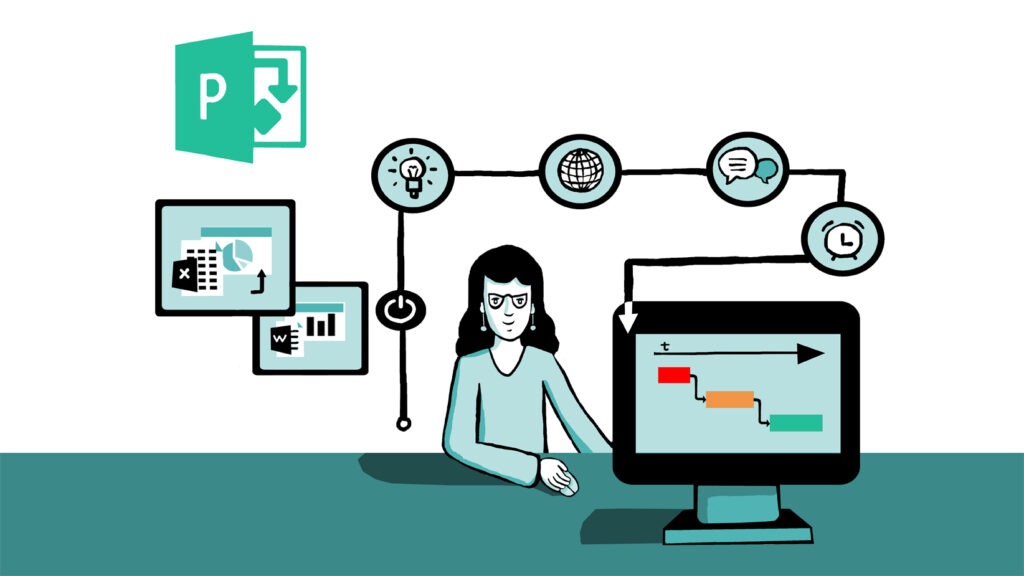
Overview: This training module is designed to provide comprehensive hands-on training on Microsoft Project and Project Online. The training is divided into three sessions, each lasting two hours. Participants will work through real-life scenarios to apply the concepts learned.
Session 1: Introduction and Basic Project Management
Duration: 2 hours
Objectives:
- Understand the basics of project management.
- Learn the Microsoft Project interface and key functionalities.
- Create a project plan, including tasks, durations, and milestones.
Agenda:
- Introduction to Project Management (15 minutes)
- Definition and importance of project management.
- Key terms: tasks, milestones, dependencies, resources.
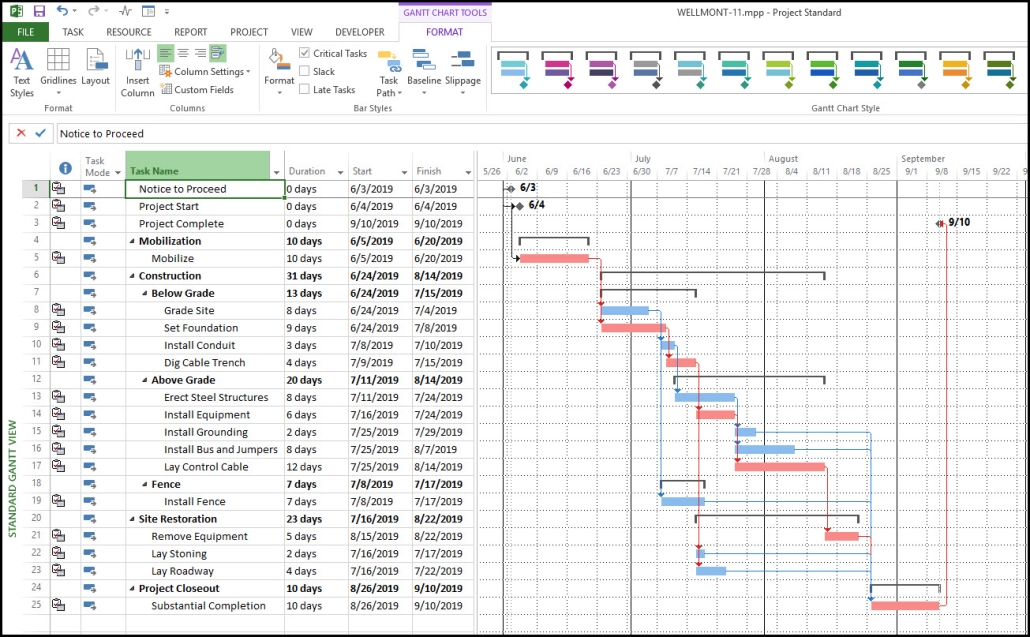
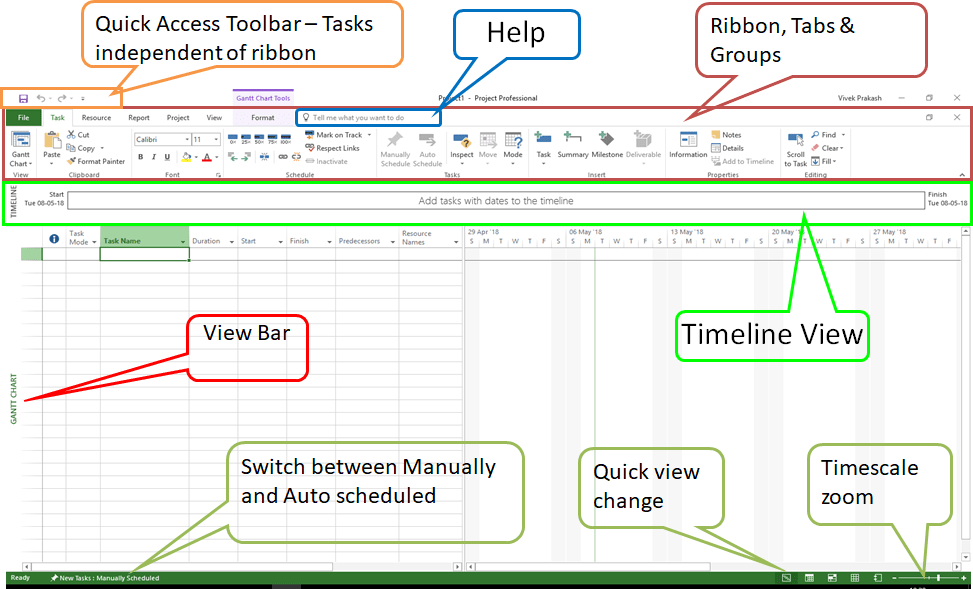
- Overview of Microsoft Project (15 minutes)
- User interface walkthrough.
- Key features and benefits.
- Creating a New Project (30 minutes)
- Starting a new project.
- Defining project start date and calendar.
- Setting up project properties.
- Building a Task List (30 minutes)
- Adding tasks and milestones.
- Organizing tasks into phases.
- Setting task durations.
- Hands-On Exercise: Create a Basic Project Plan (30 minutes)
- Scenario: Plan a small office renovation project.
- Define tasks such as “Design Layout,” “Purchase Furniture,” “Install Electricals,” and “Final Inspection.”
- Add milestones like “Design Approval” and “Project Completion.”
- Q&A and Wrap-Up (15 minutes)
Homework:
- Refine the project plan created during the session. Add more details and think about potential dependencies.
Session 2: Advanced Task Management and Resource Allocation
Duration: 2 hours
Objectives:
- Master advanced task management features.
- Learn to allocate and manage resources.
- Understand task dependencies and critical path.
Agenda:
- Recap and Q&A from Session 1 (15 minutes)
- Advanced Task Management (45 minutes)
- Setting task dependencies (Finish-to-Start, Start-to-Start, etc.).
- Using lag and lead time.
- Defining and viewing the critical path.
- Task constraints and deadlines.
- Resource Management (45 minutes)
- Adding and categorizing resources (work, material, cost).
- Assigning resources to tasks.
- Resource leveling and resolving over-allocations.
- Understanding resource calendars.
- Hands-On Exercise: Resource Allocation (30 minutes)
- Scenario: Continue the office renovation project.
- Assign resources like “Architect,” “Electrician,” “Carpenter,” and “Inspector.”
- Manage resource workloads and resolve any over-allocations.
- Q&A and Wrap-Up (15 minutes)
Homework:
- Adjust your project plan with resource assignments. Ensure all tasks are properly resourced and balanced.
Session 3: Project Tracking, Reporting, and Collaboration with Project Online
Duration: 2 hours
Objectives:
- Learn to track project progress and manage baselines.
- Generate and customize project reports.
- Utilize Project Online for collaboration and project management.
Agenda:
- Recap and Q&A from Session 2 (15 minutes)
- Tracking Project Progress (30 minutes)
- Setting and managing baselines.
- Updating task progress (percentage complete, actual start/finish).
- Identifying and handling project variances.
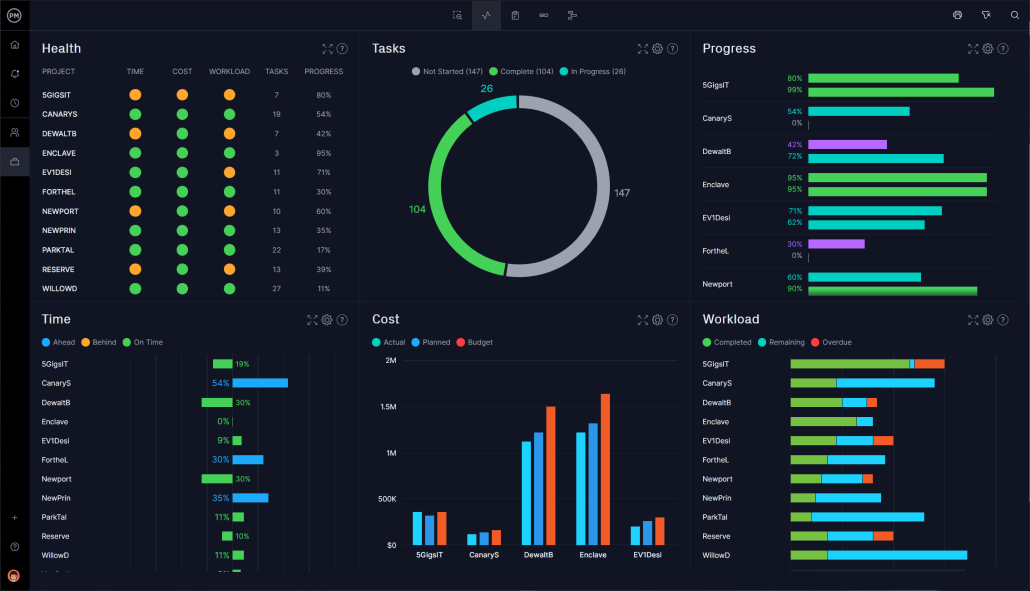
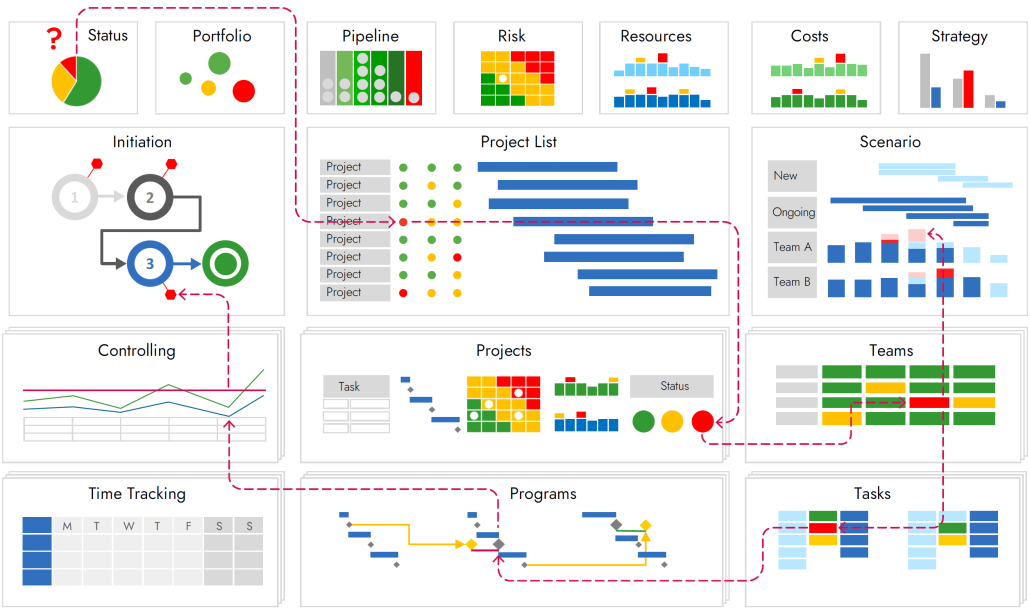
- Reporting and Analysis (30 minutes)
- Generating standard and custom reports.
- Visual reports (Gantt Chart, Burndown Chart, etc.).
- Exporting reports to Excel and other formats.
- Introduction to Project Online (15 minutes)
- Overview of Project Online interface.
- Key differences between Microsoft Project and Project Online.
- Benefits of using Project Online for collaboration.
- Collaboration and Project Management with Project Online (30 minutes)
- Creating and managing projects in Project Online.
- Sharing project plans with team members.
- Using Project Online for status updates and communication.
- Hands-On Exercise: Project Online (20 minutes)
- Scenario: Share the office renovation project plan on Project Online.
- Collaborate with a team member to update task progress and review changes.
- Q&A and Wrap-Up (10 minutes)
Homework:
- Finalize the office renovation project plan, ensuring all tasks are updated with the latest progress and resource allocations.
- Explore additional features in Project Online and consider how they can benefit your projects.
Additional Resources:
- Microsoft Project User Guide
- Project Management Institute (PMI) resources
- Online forums and communities for Microsoft Project users
Follow-Up:
- Schedule a follow-up session for advanced topics or specific project consultations.
- Provide feedback on the training sessions for continuous improvement.
This training module aims to equip participants with the skills and knowledge necessary to effectively manage projects using Microsoft Project and Project Online, fostering better project outcomes and collaboration.





Reviews
There are no reviews yet.